How to Set Up Online Booking for Your Auto Repair Shop in 2026 (Best Systems Compared)
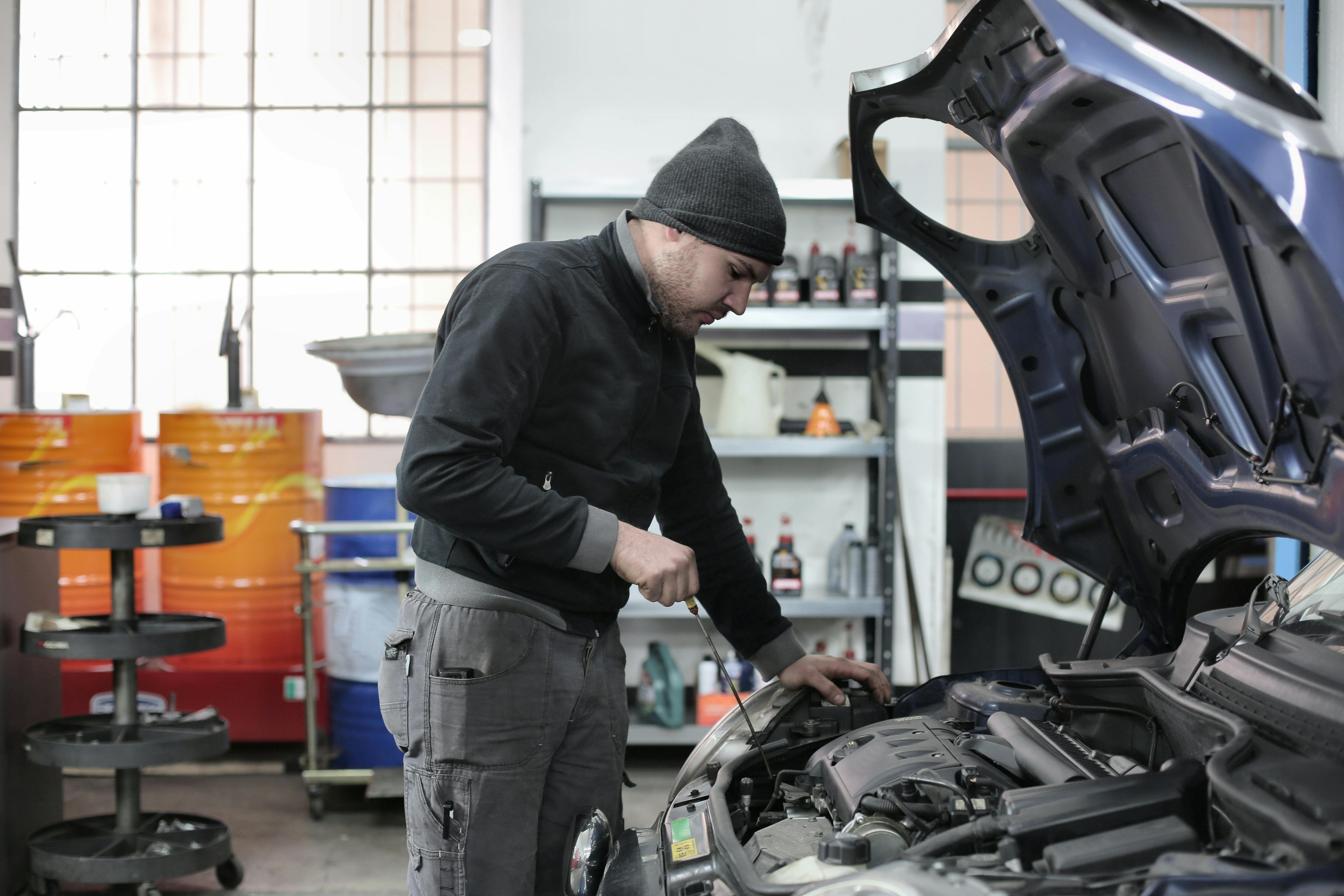
A customer finds your shop on Google. Great reviews. Good location. They're ready to book. Then they see "Call to schedule" — and they don't. They text the shop down the street that has a "Book Now" button instead.
This is happening to independent auto repair shops every single day. Not because the work is bad, but because the booking process is. In 2026, customers expect to book appointments from their phone the same way they book a restaurant, a haircut, or a doctor's visit. If your shop makes them call and wait, you're losing jobs you'll never even know about.
This guide covers everything: why online booking matters, what to look for in a system, how the best options compare, and how to get set up — even if you're not tech-savvy.
Key Takeaways
- Over 60% of customers prefer to book services online rather than calling — and that number is higher for under-40 customers.
- Most auto repair shops still rely on phone-only booking and lose leads they never see.
- The best online booking system for auto shops connects to your CRM, estimates, invoicing, and marketing — not just your calendar.
- Eligant includes online booking, a professional website, and full shop management starting at $39/month.
Why Your Auto Repair Shop Needs Online Booking in 2026
Phone calls still matter. They always will. But phone-only booking creates problems you can't see:
- After-hours demand disappears. Over 40% of appointment searches happen outside business hours. If someone finds your shop at 9 PM and there's no way to book, they move on.
- Voicemail kills conversions. When a customer calls and gets voicemail, fewer than 20% leave a message. The rest call someone else.
- Your front desk is a bottleneck. If your service advisor is on the phone, under a car, or helping a walk-in, incoming calls go unanswered. Every missed call is a missed job.
- Younger customers don't call at all. For customers under 40, calling a business feels like a last resort. They want to tap a button and be done.
Online booking doesn't replace your phone. It catches everyone your phone misses. For a deeper dive on why this matters, read our guide on why online booking matters for auto shops.
What to Look for in an Online Booking System for Auto Repair
Not all booking systems are created equal. A generic scheduling tool designed for salons or consultants won't work for an auto repair shop. Here's what actually matters:
1. Built for automotive
Your booking system should understand vehicle information — year, make, model — and let customers select service types relevant to auto repair. A generic "appointment slot" tool doesn't capture the information you need to prep for the job.
2. Mobile-friendly
Over 70% of local searches happen on phones. If your booking page doesn't work perfectly on mobile, most customers won't bother.
3. Connected to your website
The best booking systems are embedded in your website, not a separate link to a third-party page. Customers shouldn't have to leave your site to book. If you don't have a website yet, that's the first problem to solve — read our guide on why your auto shop needs a website.
4. Integrated with your shop management
A booking tool that doesn't connect to your CRM, calendar, estimates, and invoices creates more work, not less. You end up re-entering customer info, manually checking availability, and losing track of who booked what. The whole point is to save time.
5. Automated confirmations and reminders
When a customer books, they should get an instant confirmation by text or email. And a reminder the day before. This alone reduces no-shows by up to 40%.
6. After-hours availability
Your booking page should work 24/7. Customers searching for auto repair at 10 PM on Sunday should be able to book just as easily as someone calling Tuesday at 10 AM.
Best Online Booking Systems for Auto Repair Shops in 2026
Here's how the main options compare for independent shops:
| System | Online Booking | Website Included | CRM + Shop Management | SMS Reminders | Starting Price |
|---|---|---|---|---|---|
| Eligant | ✔ Built-in | ✔ Included | ✔ Full platform | ✔ Included | $39/mo |
| Tekmetric | ✔ | ✖ | ✔ Shop management | ✔ | $199/mo |
| Shopmonkey | ✔ | ✖ | ✔ Shop management | ✔ | $179/mo |
| Square Appointments | ✔ | Basic page | ✖ Generic CRM | ✔ | $0–$29/mo |
| Calendly / Acuity | ✔ | ✖ | ✖ | Limited | $0–$20/mo |
Why generic tools fall short
Square Appointments, Calendly, and Acuity are fine for basic time-slot booking. But they don't know what a vehicle is. They don't connect to your estimates, invoices, or service history. They don't include a website. And they definitely don't help you follow up with marketing after the appointment.
You end up stitching together 4-5 tools that don't talk to each other, paying more in total, and spending time on admin that should be automated.
Why Tekmetric and Shopmonkey cost more than you think
Both are solid shop management platforms with built-in booking. But they start at $179-$199/month and don't include a website. You still need to pay for website hosting separately, connect it to their booking system, and manage it all yourself. For a shop doing under $50K/month, that's a steep starting point. For a full comparison, see our Eligant vs Shopmonkey vs Tekmetric comparison.
Why Eligant is the best value for independent shops
Eligant starts at $39/month and includes online booking, a professional website, CRM, estimates, invoicing, and bilingual support (English + Spanish) — all in one platform. No stitching tools together. No extra hosting costs. No web designer needed.
Here's a live example of what an Eligant shop website with booking looks like.
For shops that want marketing and review automation too, the Pro plan ($69/mo) adds SMS/email campaigns and 8 automated workflows, and the Expert plan ($99/mo) adds Google review management with AI-powered responses.
How to Set Up Online Booking for Your Auto Repair Shop
Here's the step-by-step process, whether you use Eligant or another platform:
Step 1: Choose your platform
Pick a system that includes booking, a website, and shop management together. The fewer disconnected tools, the better. If you already have a shop management system without booking, check whether it offers an integration — but know that add-on booking tools usually create friction.
Step 2: Set up your services
List the services customers can book online. Keep it simple — you don't need every single job listed. Start with your most common services: oil changes, brake inspections, AC service, check engine light diagnosis, tire rotations, general maintenance. You can always add more later.
Step 3: Configure your availability
Set your shop hours, bay capacity, and any blocked-off times. Most systems let you limit how many bookings per time slot so you don't get overloaded. Start conservative — you can open up more slots as you get comfortable.
Step 4: Connect it to your website
Your "Book Now" button should be on every page of your website — header, homepage, services page, and contact page. If your booking system includes a website (like Eligant does), this is already done. If not, you'll need to embed the booking widget or link to it.
Step 5: Add it to your Google Business Profile
Go to your Google Business Profile and add your booking link to the "Appointments" URL field. This puts a "Book Online" button directly in your Google Maps listing — which is where most customers find you first.
Step 6: Turn on confirmations and reminders
Automatic text/email confirmation when someone books. Automatic reminder 24 hours before. This is the single easiest way to reduce no-shows. If your platform supports it, add a follow-up message after the appointment asking for a Google review.
Step 7: Test it yourself
Pull out your phone and book a fake appointment on your own site. Is it obvious where to click? Does it work on mobile? Does the confirmation come through? If anything feels confusing to you, it's definitely confusing to your customers.
Common Mistakes Shops Make With Online Booking
- Hiding the booking button. If customers have to scroll or hunt for it, most won't bother. Put it front and center.
- Asking for too much information. Name, phone, vehicle, service, preferred time — that's enough. Don't add 10 form fields.
- Not responding to bookings. Even if you have auto-confirmation, follow up personally within a few hours to confirm the details. This builds trust.
- Forgetting the after-hours angle. Most shop owners set up booking and forget that the biggest win is capturing demand at nights and weekends. Make sure your Google listing, website, and social media all point to the booking page.
- Using a tool that doesn't connect to anything. A standalone booking widget that doesn't sync with your CRM, calendar, or invoicing just creates double work.
How Online Booking Fits Into Your Bigger Growth Strategy
Online booking is one piece of a larger puzzle. The shops that are growing fastest in 2026 are doing all of these together:
- Showing up on Google with a complete Business Profile and reviews
- Having a professional website with online booking
- Following up automatically with reminders, thank-you texts, and reactivation campaigns
- Sending digital estimates and invoices that look professional and get approved faster
- Asking for reviews after every job to build social proof
Each of these builds on the others. A customer finds you on Google → visits your website → books online → gets a professional estimate → leaves a review → gets a follow-up reminder 3 months later → comes back. That's a growth engine, not just a booking form.
For the full playbook, read our guide on how to get more customers for your auto repair shop in 2026.
What Online Booking Costs — DIY vs All-in-One
| Approach | What You Get | Monthly Cost |
|---|---|---|
| Calendly + Wix + QuickBooks | Booking + website + invoicing (no CRM, no marketing, not connected) | $65–$95/mo |
| Tekmetric | Shop management + booking (no website, no marketing) | $199/mo |
| Shopmonkey | Shop management + booking (no website, no marketing) | $179/mo |
| Eligant Starter | Booking + website + CRM + estimates + invoicing + bilingual | $39/mo |
| Eligant Pro | Everything above + SMS/email marketing + automation | $69/mo |
| Eligant Expert | Everything above + Google review management + AI replies | $99/mo |
No contract. 14-day free trial. Cancel anytime. All plans include English and Spanish. For a full breakdown, see our best affordable auto repair software comparison.
Frequently Asked Questions
What is the best online booking system for auto repair shops?
For independent shops that want booking, a website, CRM, and shop management in one system, Eligant is the best value starting at $39/month. For shops that already have a website and only need shop management with booking, Tekmetric ($199/mo) and Shopmonkey ($179/mo) are established options. Generic tools like Calendly and Square Appointments work for basic scheduling but lack automotive-specific features.
How much does online booking cost for an auto repair shop?
Standalone booking tools range from free to $29/month, but they don't include a website or shop management. All-in-one platforms like Eligant start at $39/month and include booking, a website, CRM, estimates, and invoicing together. Competitors like Tekmetric and Shopmonkey start at $179-$199/month without a website.
Can I set up online booking without a website?
Technically yes — you can use a standalone tool and share the link. But customers trust shops with real websites more, and a website with integrated booking converts far better than a raw scheduling link. Eligant includes both in every plan.
Do I still need to answer phone calls if I have online booking?
Yes. Phone calls still matter, especially for complex jobs or urgent issues. Online booking doesn't replace your phone — it catches the customers your phone misses. Think of it as adding a second door to your shop that never closes.
How do I reduce no-shows with online booking?
Automated text reminders 24 hours before the appointment reduce no-shows by up to 40%. Add a confirmation text when the customer books, and a same-day reminder the morning of. Eligant's Pro plan automates all of this.
Will online booking work for my type of shop?
Online booking works for auto repair shops, tire shops, body shops, oil change shops, detailing businesses, transmission shops, and any automotive service business. If customers need to schedule time with you, online booking helps.
Related: How to Get More Customers for Your Auto Repair Shop in 2026 · How Follow-Up Marketing Brings Customers Back · Why Your Auto Shop Needs a Website in 2026 · Why Google Reviews Matter for Auto Shops